Guidelines for uploading camera images
So you want to contribute your images to the database? Great! Take a moment to read over these guidelines to make sure that what you're uploading is most helpful to the community.
Files and formats
Resolution and format
The photo uploader accepts jpeg and png files under 4MB in size, so please resize and convert your 24MB RAW files before uploading 😉
If possible, try to ensure that your photos are at least 1200px on their longest side. Generally, images in landscape orientation work best, too.
Compression
Like all websites, your photos are compressed to optimise loading time and storage space. However, to avoid significant degradation of your images, it’s a good idea to do a little compression of your own first and save out a web-optimized version of your photo to upload.
Learn more: How to save web-optimised images.
Tips for photographing cameras
Keep it simple
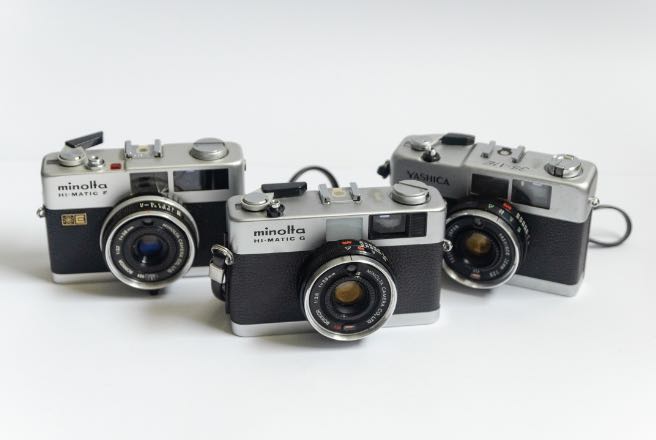
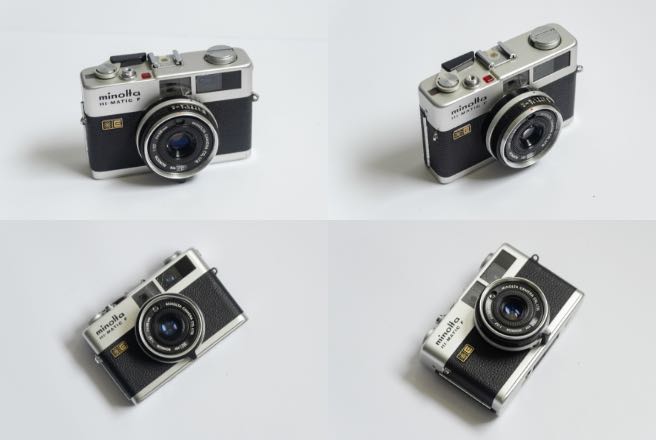
Please don’t collate more than one photo into an image. Camera pages support multiple images so you can upload them all separately. And to avoid confusion, photos of just one single camera are best too, unless they include many of the exact same model, or variants of the same model.
Use white space
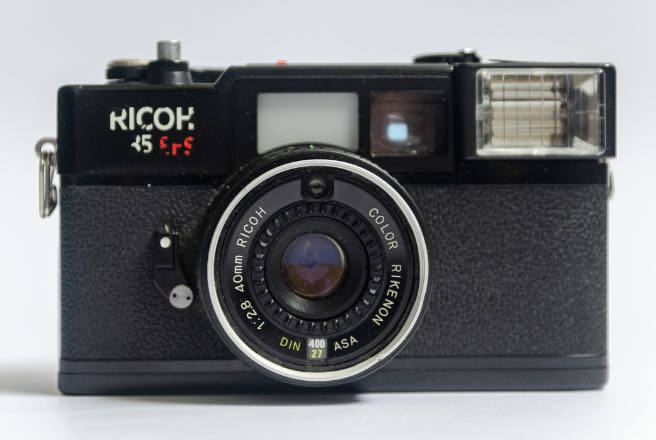
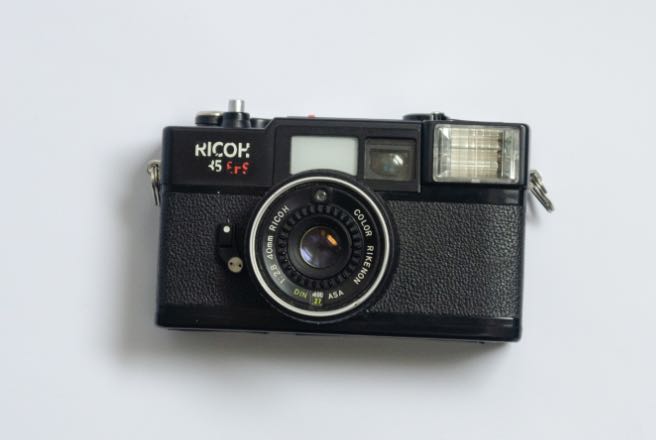
Across this site, images of cameras are cropped into different sizes and shapes. Bearing that in mind, keep plenty of white space around your photographs to allow for cropping. It also just looks nicer!
Light it right!
It probably goes without saying, but make sure your photos are adequately and softly lit so we can see all the lovely details of your camera in all its glory. And remember, natural light always provides better colour and white balance than fluorescent lighting or your on-camera flash!
Use a plain background
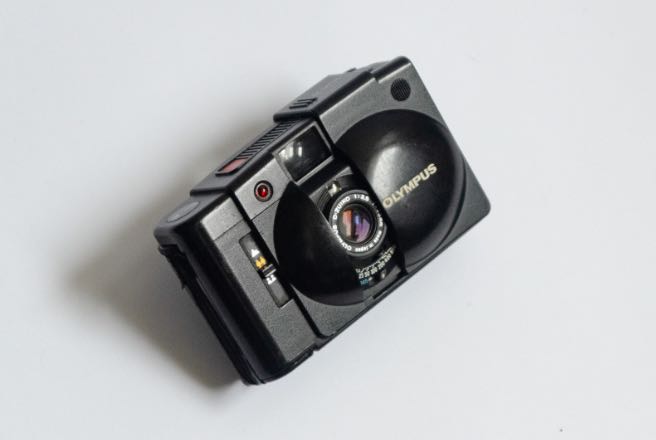
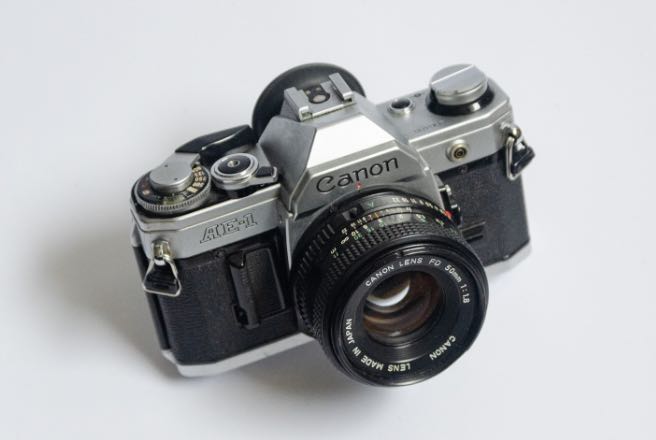
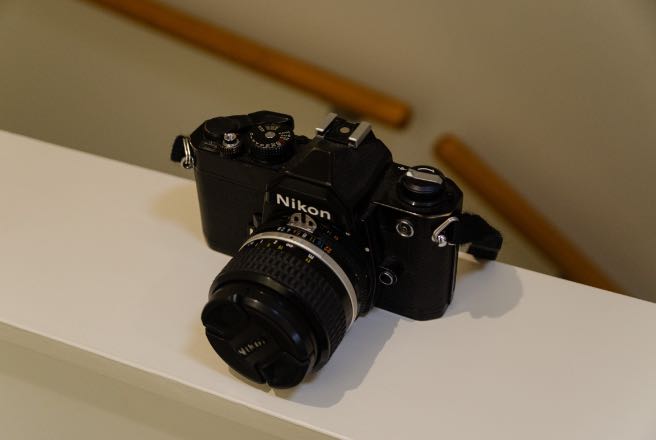
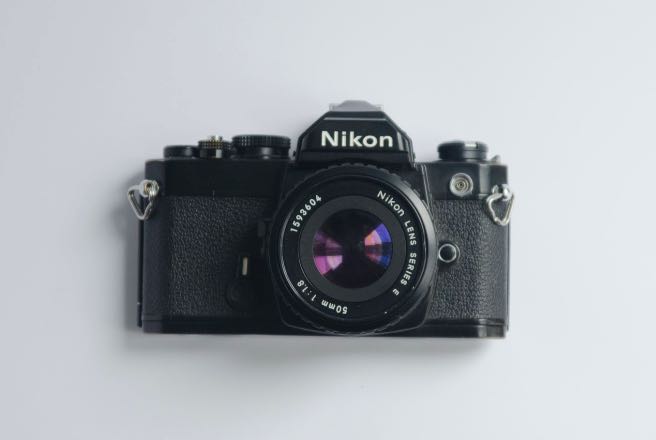
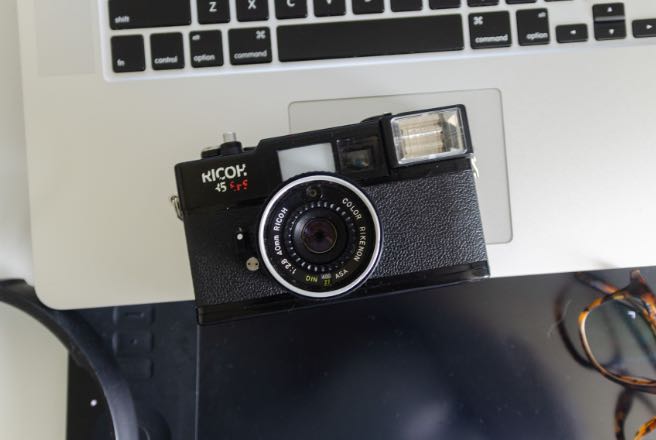
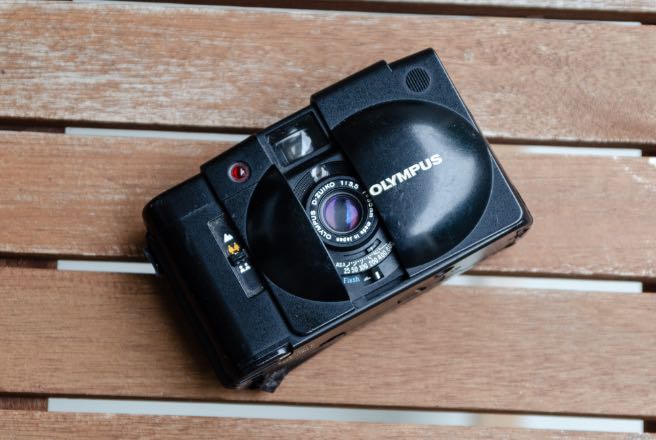
Photograph your camera on a plain background to give it emphasis. Off-white, grey or neutral tones work best, or where the background is either neutral or sufficiently blurred enough to not be distracting.
Check your focal length
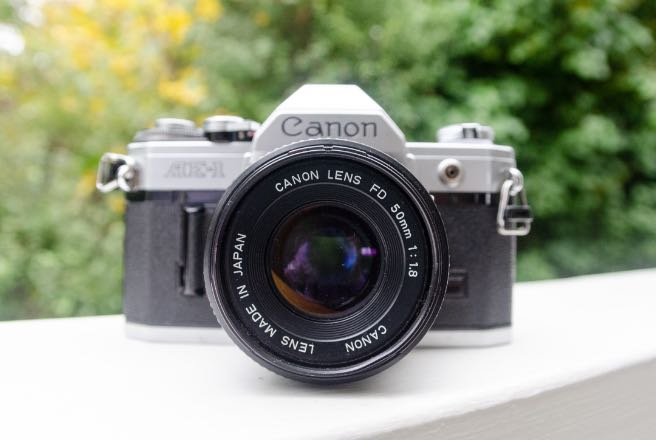
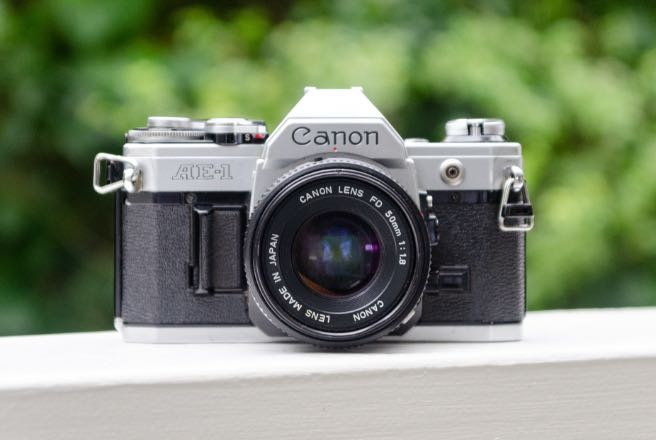
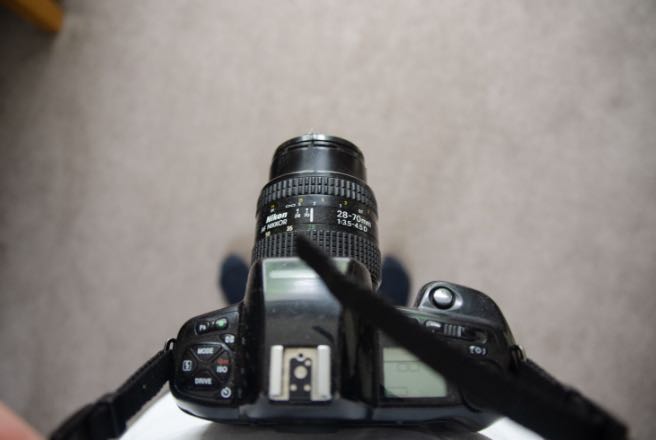
We all know that wide angles lenses don’t create flattering portraits, and that applies to cameras too. Get some distance and use zoom to avoid distortion. You also want to avoid having a sharp lens but out-of-focus camera.
Clarity is key
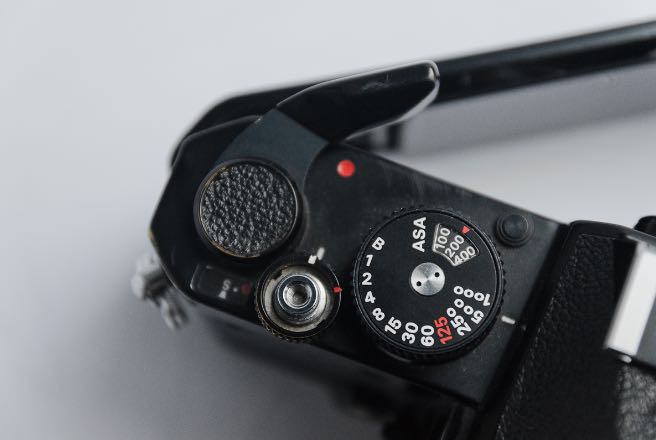
Your photo should clearly illustrate what the camera looks like. Avoid obscuring the view of the entire camera, unless you are highlighting a particular feature.
Camera as the hero
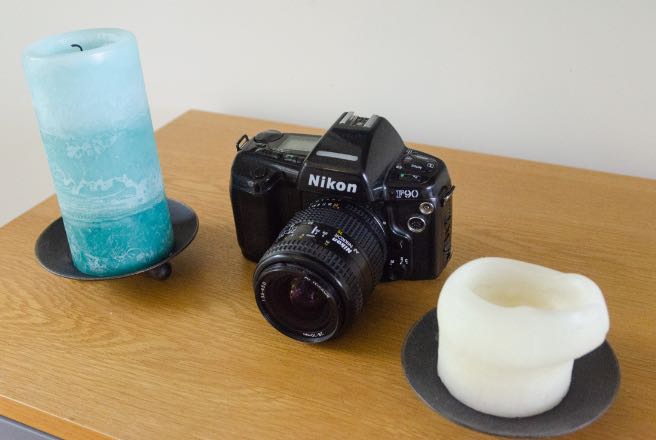
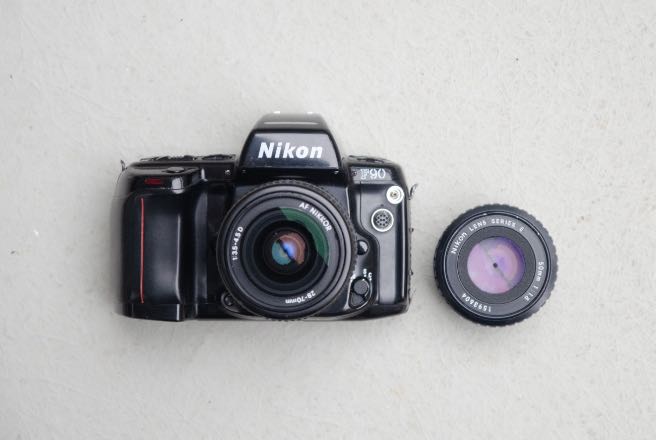
Your camera should be the sole focus of the photograph. Remove any unnecessary and distracting clutter from the image, such as your cat or the computer keyboard. Posing your camera with a lens or accessory is great, though!
Work those angles
Photographing your camera on a three-quarter angle, or showing an edge can make your composition a little more interesting and show off features that otherwise might be hidden.